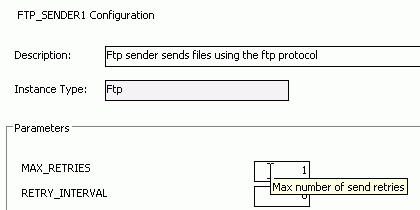
Setup the configuration parameters for the FTP_SENDER1.
For explanation and help about the parameters, see the quick help which is displayed as a tool tip for every parameter.
The FTP transport connector makes it possible to send and receive files from and to IFS Applications by using the FTP protocol. The FTP Reader gets files from an IN directory in any format, executes them and puts an answer back to the RESPONSE directory. The FTP Sender has the possibility to put files in different xml-formats or plain text to a OUT directory.
Note: This page explains configuration based on default instances FTP_SENDER1, FTP_READER1 and CONNECT_SERVER1, but there is no difference in configuration of arbitrary Ftp Reader or Sender or Connect Server instance.
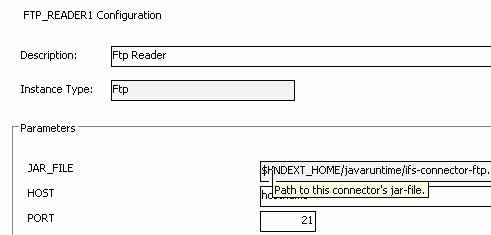
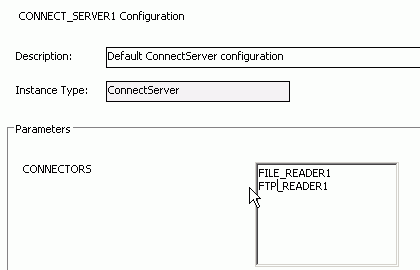
It's possible to create new instances of the Ftp Reader Transport Connector provided that they should scan distinct root directories (Only one FTP Reader can scan an in-directory).